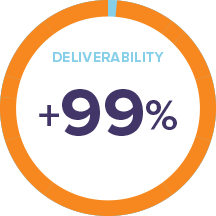
Deliverability: When It Has To Get There!
Effective email marketing starts with getting your emails delivered into the right inbox. Period.
Email Deliverability Is Our Priority
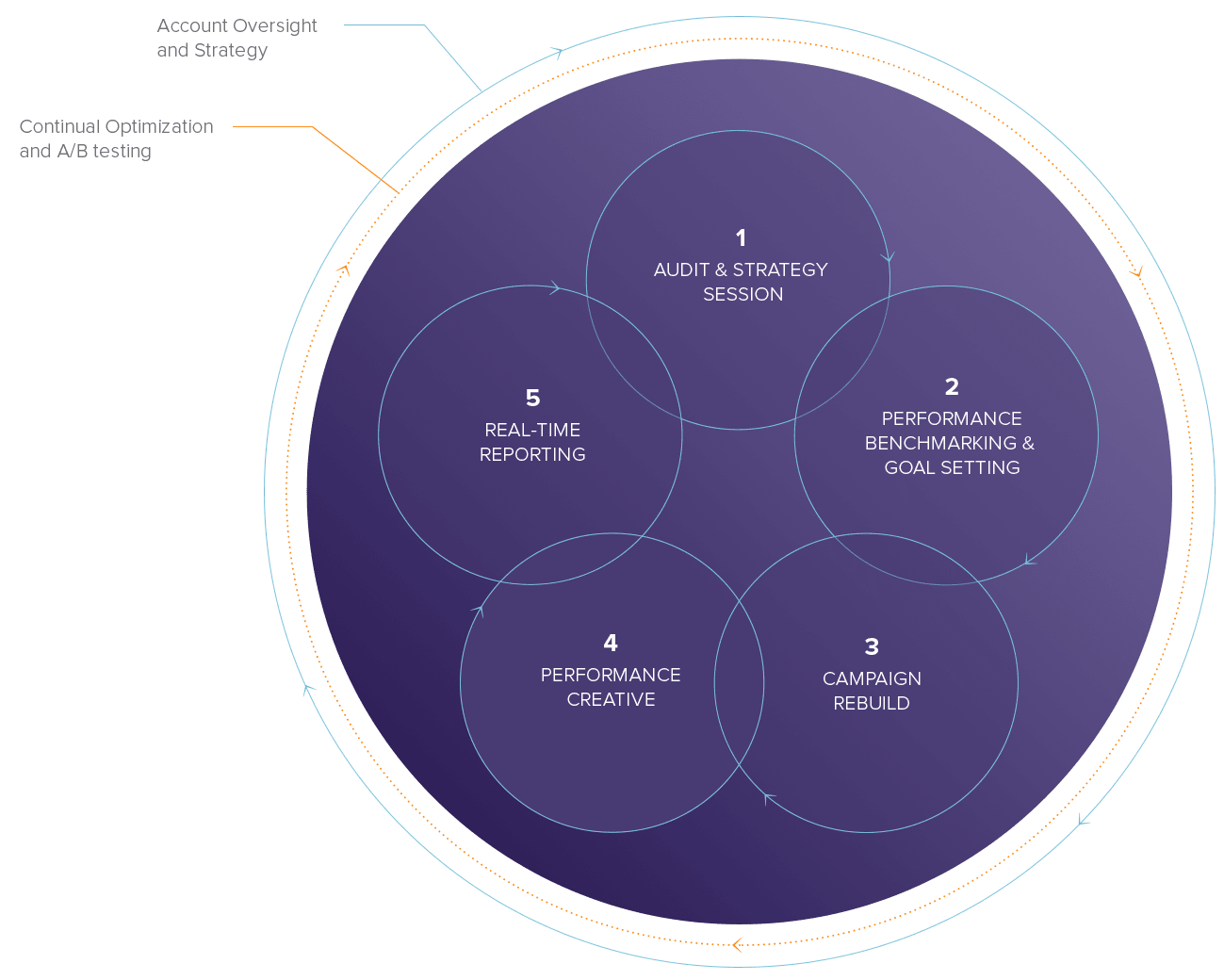
We have a dedicated team of deliverability experts with extensive industry experience on both the senders and receivers ends who will review your situation and provide recommendations on the best solutions for you. Our ramp-up plans are created based on a client’s list composition, sending cadence, frequency, and previous engagement statistics.

List Cleanup & Growth
How healthy is your email list? We’ll clean your list, weed out your old and tired email addresses, and make sure your list is squeaky clean and ready to score deliverability points. What’s working and what’s not? Get detailed recommendations for improved list growth, deliverability, engagement, and conversions.

Suppress Lists
We filter your email through your suppression lists which are specific to each account. We then filter through the Global Suppression List which is a database of all hard bounces and ISP complainers across all OpenMoves user accounts.

Whitelisting
OpenMoves is whitelisted with all the major ISPs (Google, Microsoft, AOL, Yahoo! and Comcast to name just a few) that have an approved whitelist. Our delivery team monitors blacklists daily to ensure that no mailing has hit a blacklist. And if they do, we take steps to correct it for you. In addition to direct contact with global ISPs, we tied our technology into the ISP feedback loop system (RFBL = Real-Time Feedback Loops) ensuring that any spam complaints are handled immediately.

Reputation Is Your Responsibility
Email sending reputation is a huge factor for mailbox providers in determining whether to filter your email to the junk folder or block it altogether. If they choose to block you, your subscribers will not receive your messages. If you get blacklisted, it takes time before you’re able to see good results from your campaigns. Work with us to ensure that you are using best practices in email collection, content creation, sending frequency based on engagement, and unsubscribe practices.

Dedicated IP
A dedicated IP for your account should be considered if you are sending at least four campaigns per month on a regular basis to more than 300K recipients. The dedicated IP has an additional cost and will provide you with complete control of your sending reputation.

Data Watchdog
A powerful predictive “Data Watchdog” system that monitors and polices ALL user data before it gets uploaded. The Watchdog predicts, detects, and prevents email abuse, protecting our sender reputation and your delivery rates.

Shared IP
At OpenMoves, senders on a shared IP pool are grouped together based on their email reputations. The reputation of the IP you’re using is determined by the email practices of everyone who uses that IP/IP pool. The good news is that we’re very proactive about list cleanliness and have strict import rules (Watchdog) as well as proactive monitoring to prevent bad practices from damaging everyone’s deliverability. We use metrics and a specific scoring process to determine and move clients into the most appropriate pool based on their email marketing performances.

Custom Sending Domain
Maximize deliverability and domain reputation with an optional custom email domain (i.e. your company-email.com) for your company that will increase inbox placement and protect your domain from spam complaints. The goal is to inform the ISPs that you are who you say you are and that your email is not a result of phishing. For a small one-time fee, we’ll register and authenticate your chosen custom domain (i.e. yourcompany-news.com) and set up SPF records and domain keys to maximize deliverability and DMARC compliance.

Email Throttling
To maximize deliverability of large lists, we recommend using our Throttling feature to spread your email send for up to 24 hours. You can throttle according to a preset schedule to test deliverability and to control response.

Users & Passwords
You can add unlimited users with different privileges for each account. Passwords have to be changed every 90 days and logging into the OM3 platform from new IP addresses needs to be authorized. It’s all about keeping your data safe.

Infrastructure
OpenMoves takes its network, data, and physical security seriously. We meet industry standards when it comes to how we store and secure our data. We take necessary countermeasures whenever security holes or exploits are discovered. Our data center resides in a world-class, secure data centers.
Our passion is to find your audience and grow your business.
Client Success
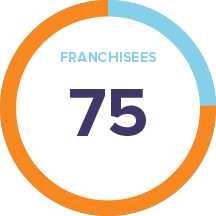
“OpenMoves built our email marketing program. They customize, deliver, and track our franchisees newsletters and event-marketing campaigns. OM is educating our community on marketing best practices both in person and online. It’s been a great partnership …”
– Jason @ TAB
CLIENT SUCCESS
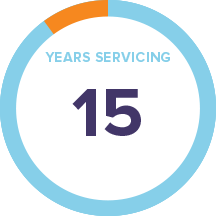
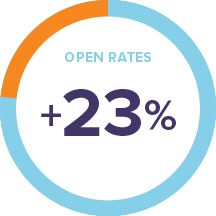
“I love that along with their great email platform, they can also help craft the email content. The service the company offers is excellent. Their drag-and-drop editor makes it easy to create email templates.”
– Noah @ Everfresh
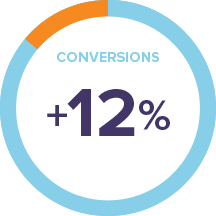
CLIENT SUCCESS
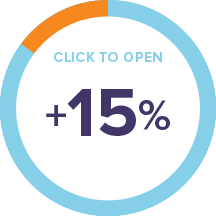
“The platform and service have been extremely reliable. We like the ability to segment our list and deliver targeted content. Their cart abandonment system helped us recover some customers that otherwise might have been lost.”
– Mark @ RFID Journal
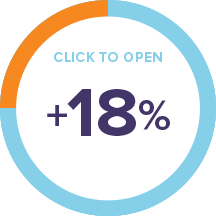
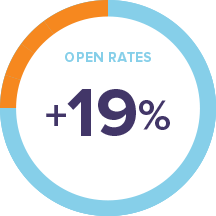
CLIENT SUCCESS
“The platform and service have been extremely reliable. We like the ability to segment our list and deliver targeted content. Their cart abandonment system helped us recover some customers that otherwise might have been lost.”
– Kevin @ Veeco